How to Check Sales by Client Report in Sleek Bill Inventory?
Curious about which customers really drive your business?
With Sleek Bill’s Sales by Client Report, it’s easy to see exactly which customers bring in the most sales. You can use this info to get closer to your best clients and really understand how your business is performing.
Here’s how you
get the report.
Benefits of the Sales by Client Report
- Identify loyal customers
- Improve customer relationship management
- Track customer purchase trends
- Plan marketing campaigns
- Increase customer retention
Export reports for business analysis
Why Check the Sales by Client Report?
The Sales by
Client Report helps you:
- Identify your top customers
- Track customer purchase history
- Measure customer-wise revenue
- Improve customer relationship management
- Analyze repeat business
Export reports
for accounting and sales review
How to Check
the Sales by Client Report in Sleek Bill
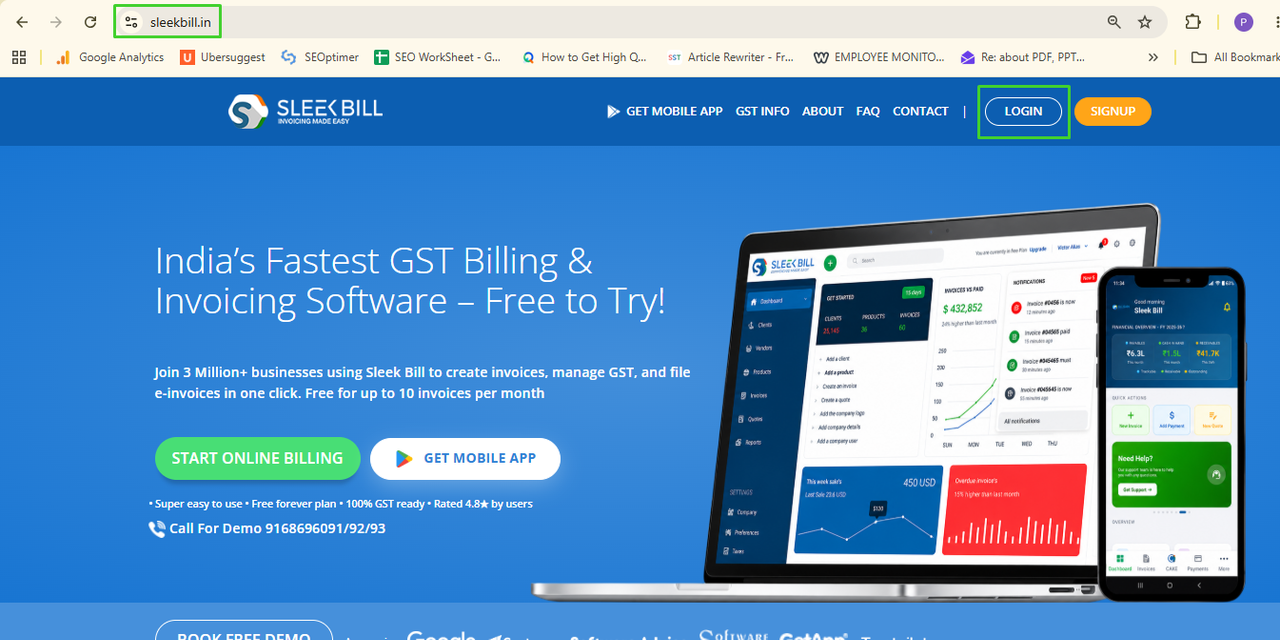
Step 1: Visit the Sleek Bill Website
Open your browser and visit sleekbill.in.
Click Login.
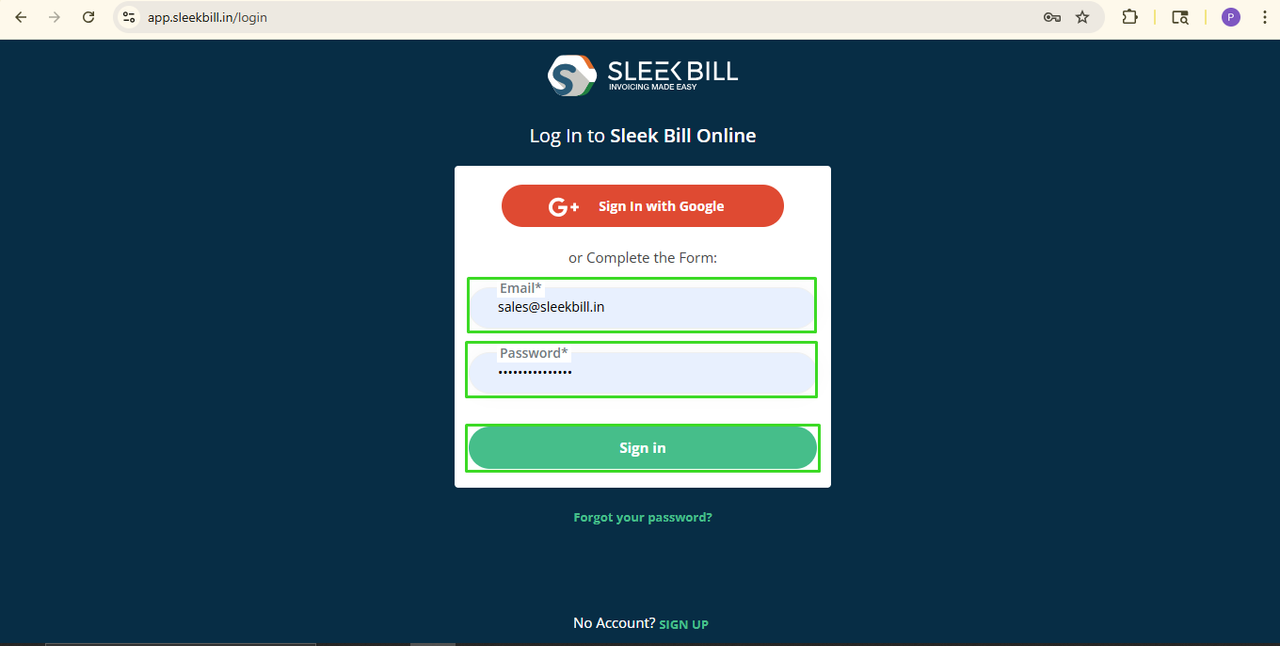
Step 2: Login to Your Account
Enter your Email ID and Password.
Click Sign In.
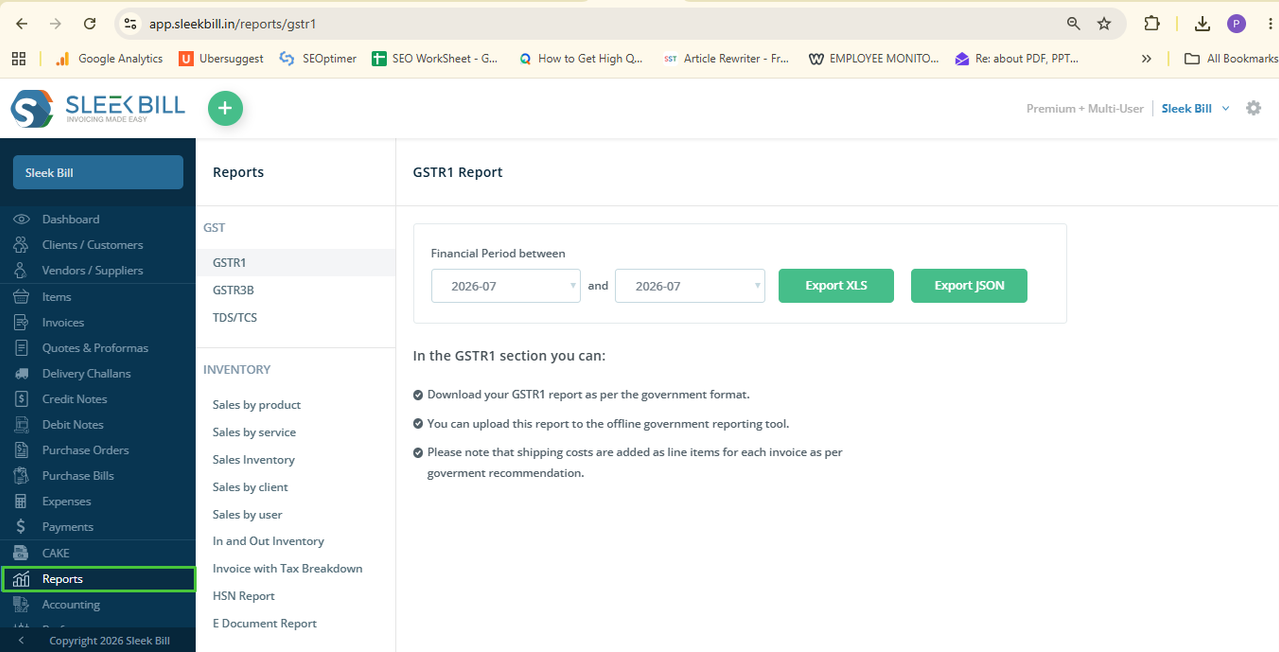
Step 3: Open Reports
After logging in, click Reports from the dashboard.
Step 4: Select Sales by Client
Under the
Inventory Reports section, click Sales by Client.
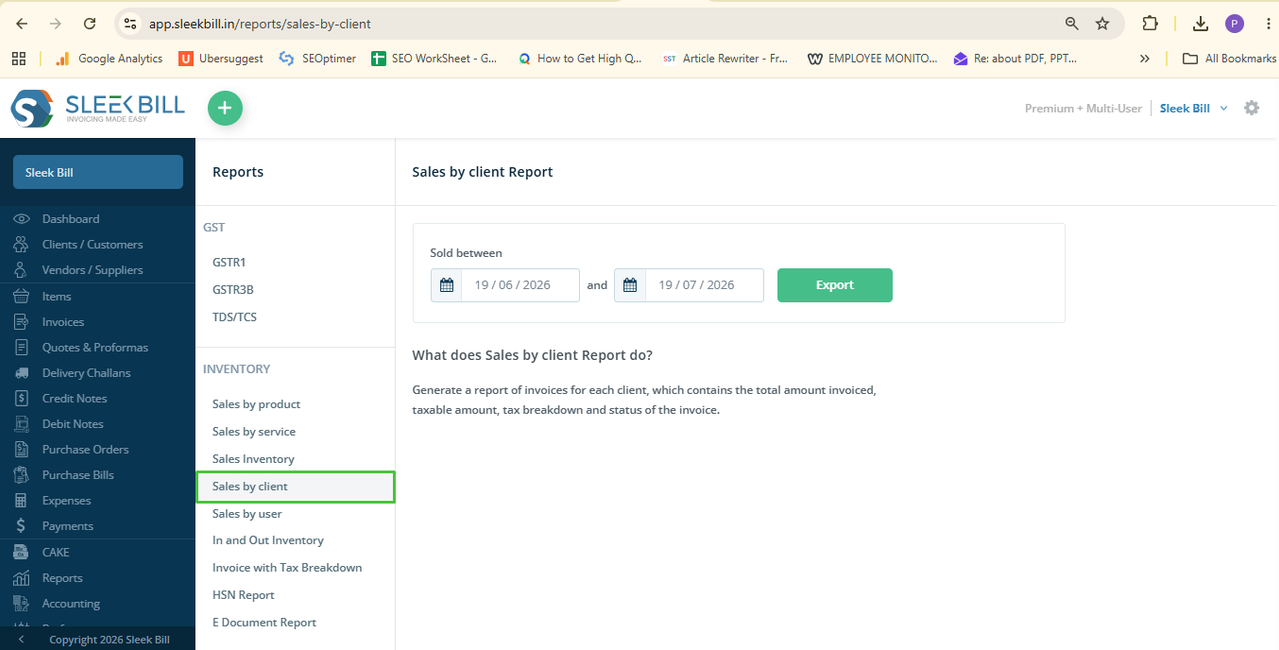
Step 5: Choose the Date Range
Choose dates range so select From Date and To Date.
This allows you
to generate reports for any period.
Step 6: Export the Report
Click Export.
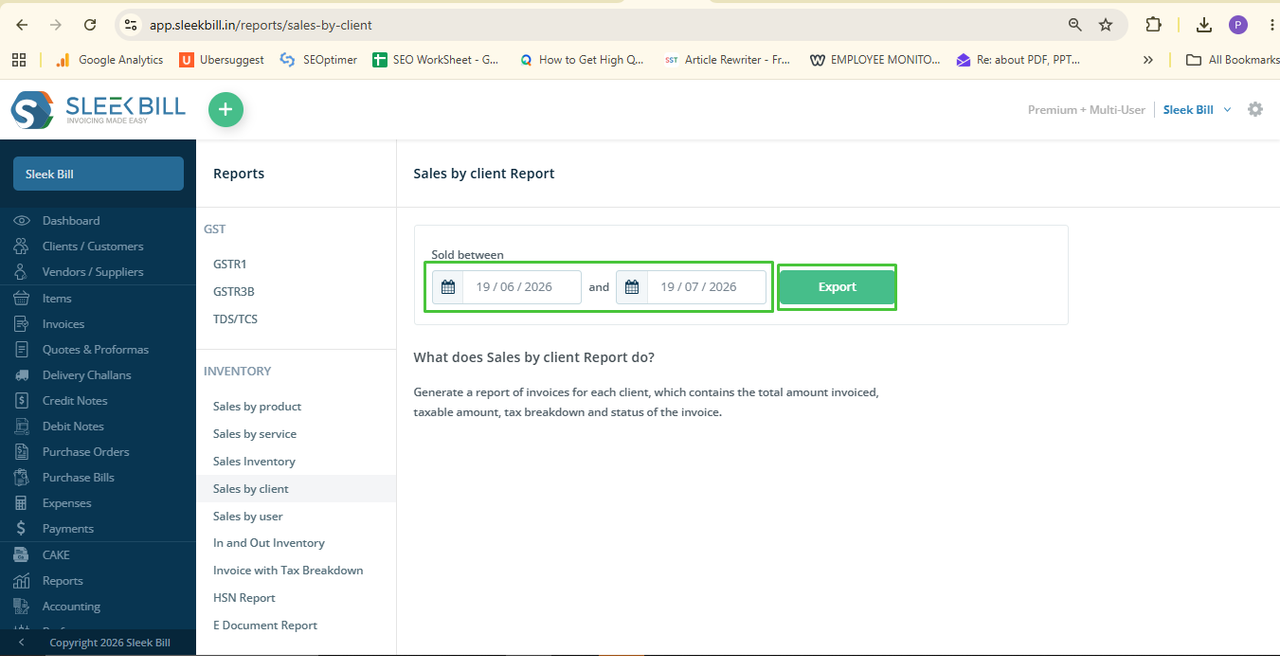
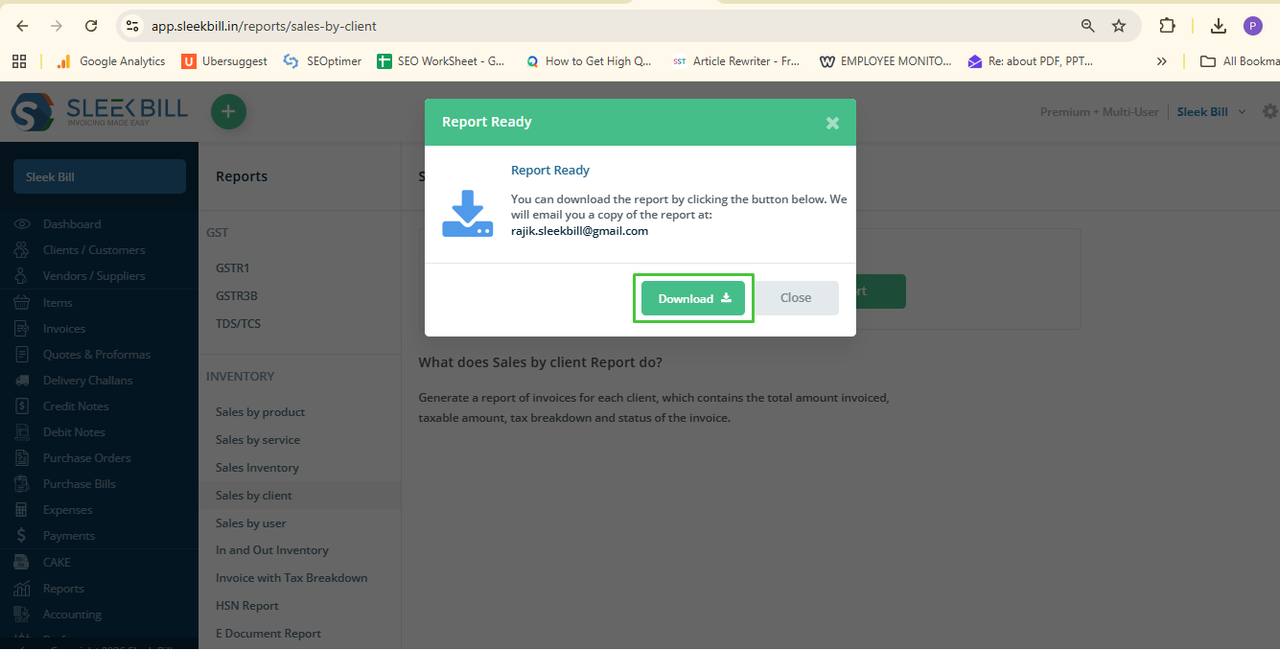
Step 7: Then click
Download to save the report.
What Information Does the Sales by Client Report Show?
The report
includes:
- Company name
- GSTIN Number
- Date from Sales
- Client Name
- Date
- Doc No
- Type : Tax Inclusive/Exclusive
- Creator Name
- Currency
- Total Amount.
- Taxable Amount.
- IGST, CGST,SGST
- Sales History
- Other Amount
- Balance
- Status
This report
makes it easy to understand customer buying patterns and identify your most
valuable clients.
Conclusion
The Sales by
Client Report gives you valuable insights into your customer base. Instead of
manually checking invoices, Sleek Bill lets you generate customer-wise sales
reports instantly, helping you make better business and sales decisions.
Was this article helpful?