How to Check Sales by Service Report in Sleek Bill
If your business is all about services, not products, you really need to know which services are bringing in the most money.
The Sales by Service Report in Sleek Bill helps you analyze service-wise sales, monitor performance, and understand customer demand.
Let's
learn how to generate it.
Benefits of the Sales by Service Report
- Measure service performance
- Identify high-demand services
- Plan future business strategies
- Improve pricing decisions
- Track revenue growth
- Share reports easily with your accountant
Why Check the Sales by Service
Report?
This
report helps you:
- Track service-wise revenue
- Identify your most popular services
- Measure business performance
- Compare services over different periods
- Export reports for accounting and analysis
How
to Check the Sales by Service Report in Sleek Bill?
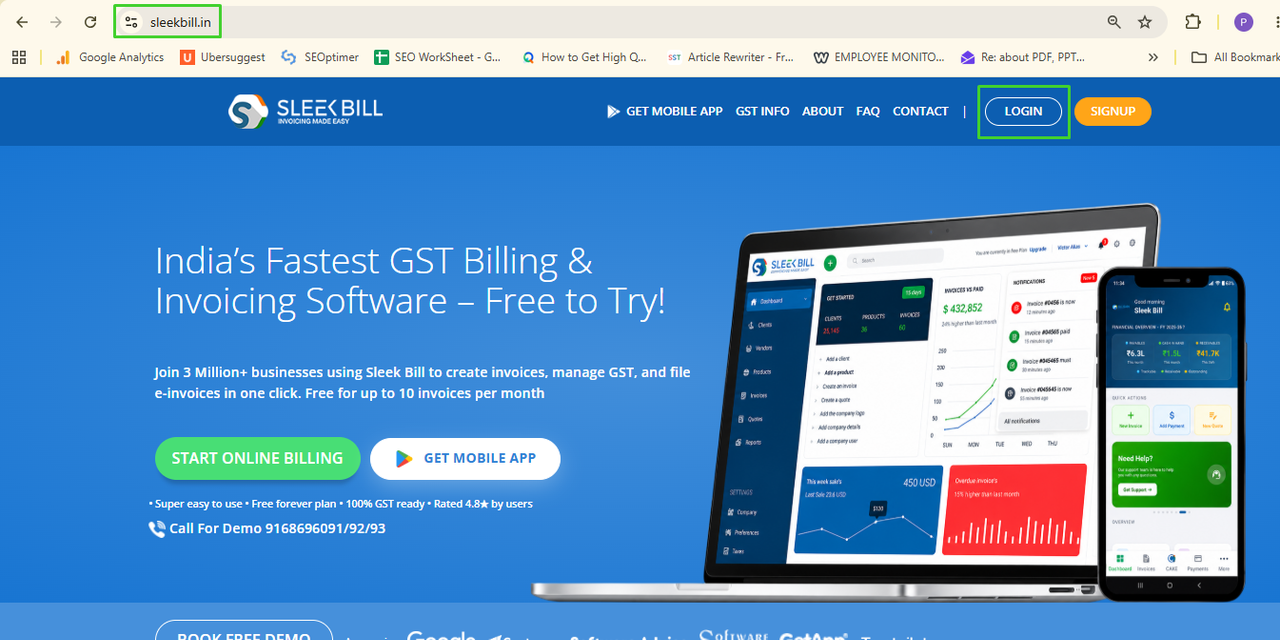
Step 1: Visit the Sleek Bill Website
Open your browser and visit sleekbill.in.
Click
Login.
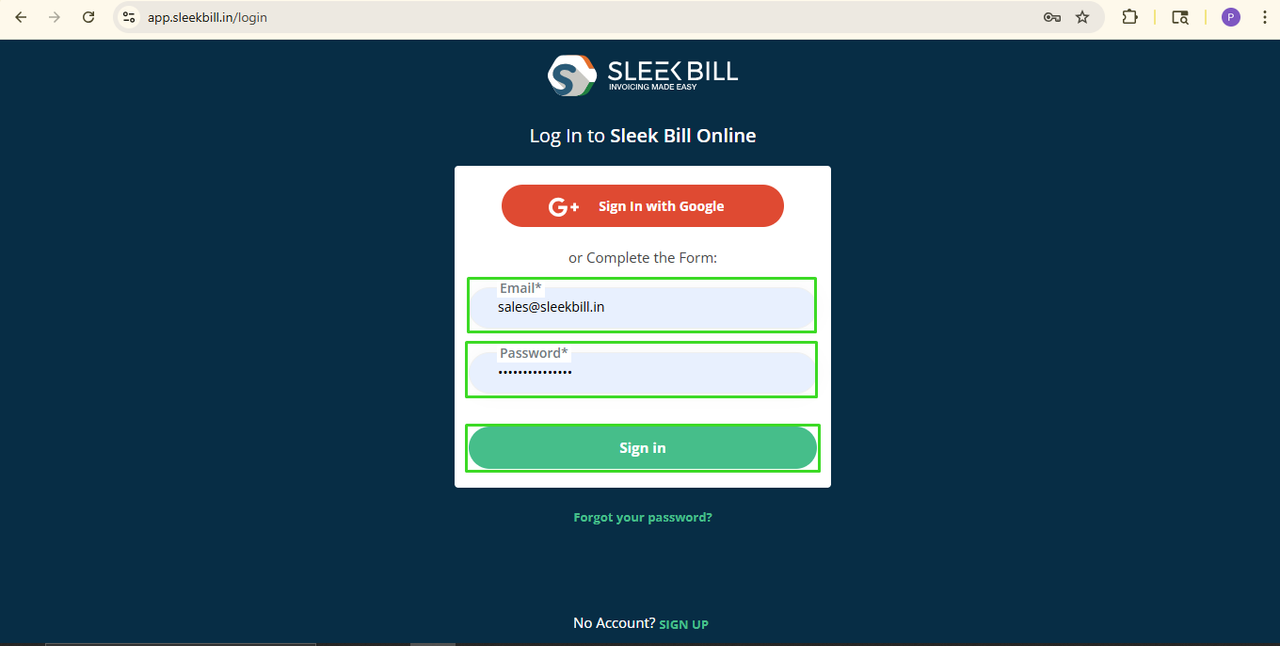
Step 2: Login
Enter your Email ID and Password.
Click Sign In.
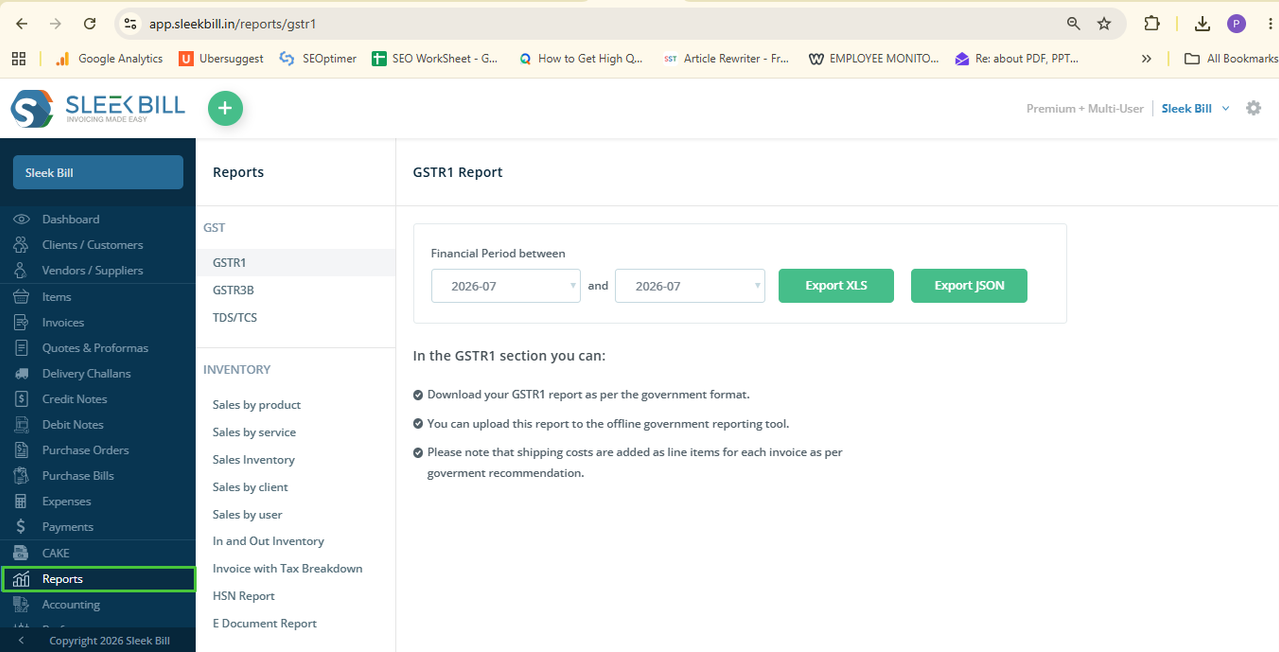
Step 3: Go to Reports
From the dashboard, click Reports.
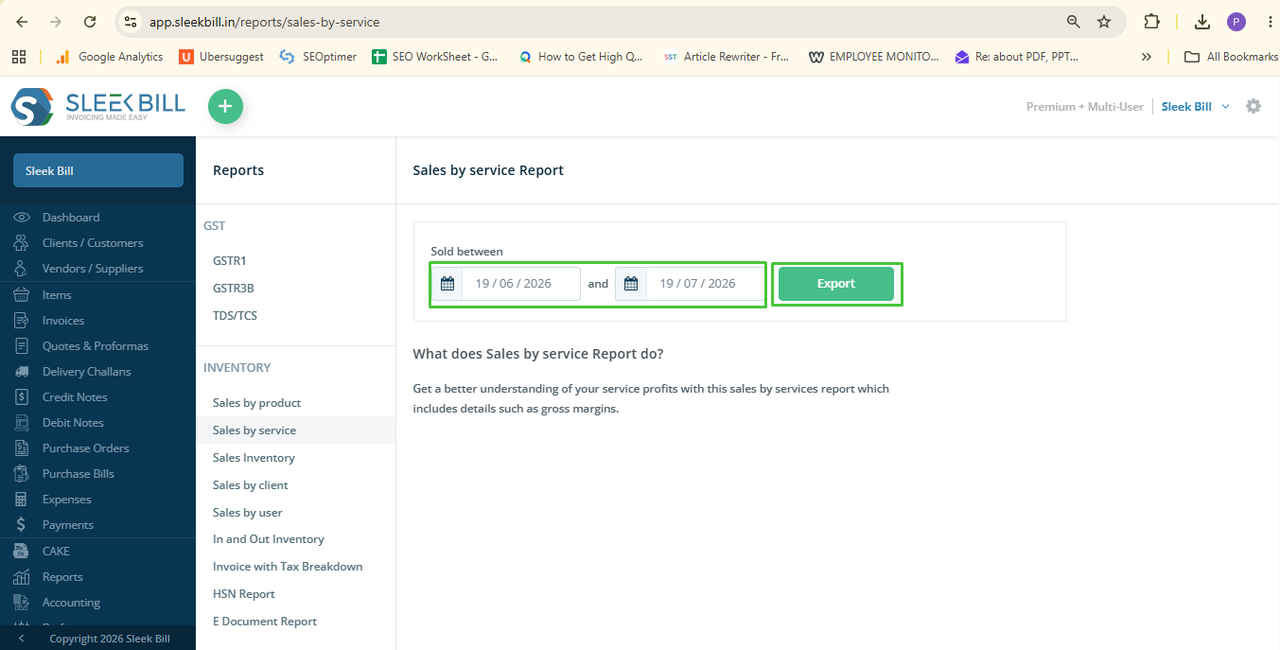
Step 4: Open Sales by Service
Under
the Inventory Reports section, click Sales by Service.
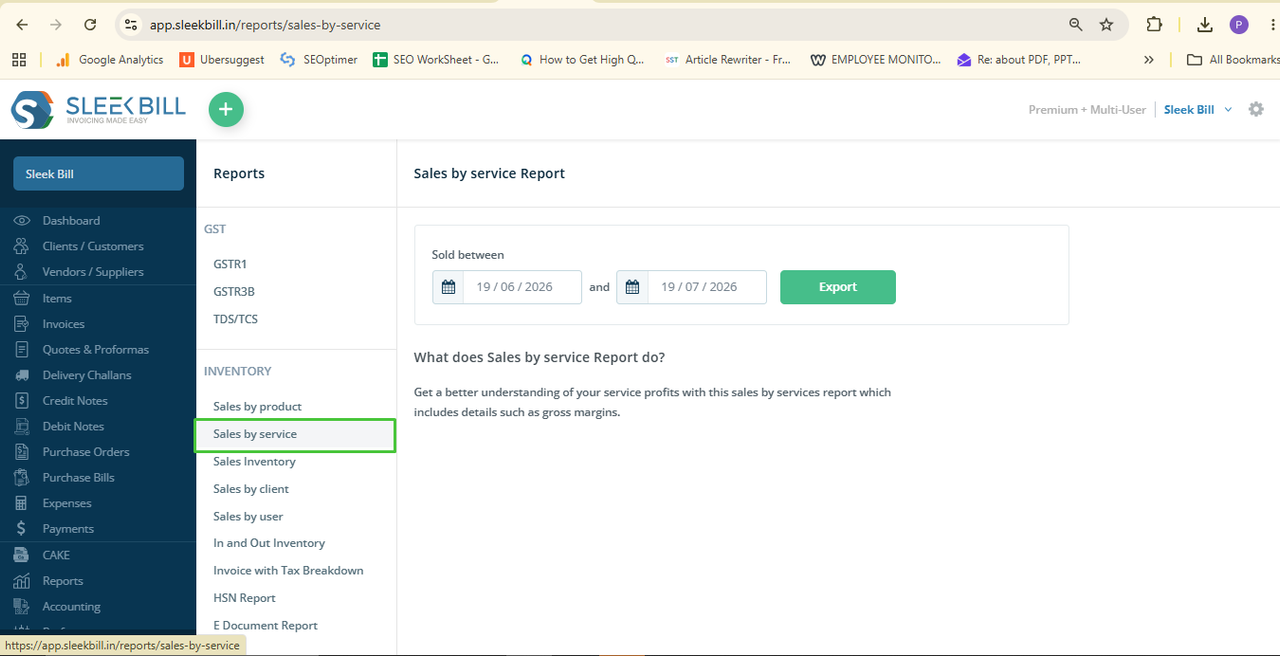
Step 5: Select the Date Range
Choose the required From Date and To Date.
This lets you generate reports for any specific period.
Step 6: Export the Report
Click
Export.
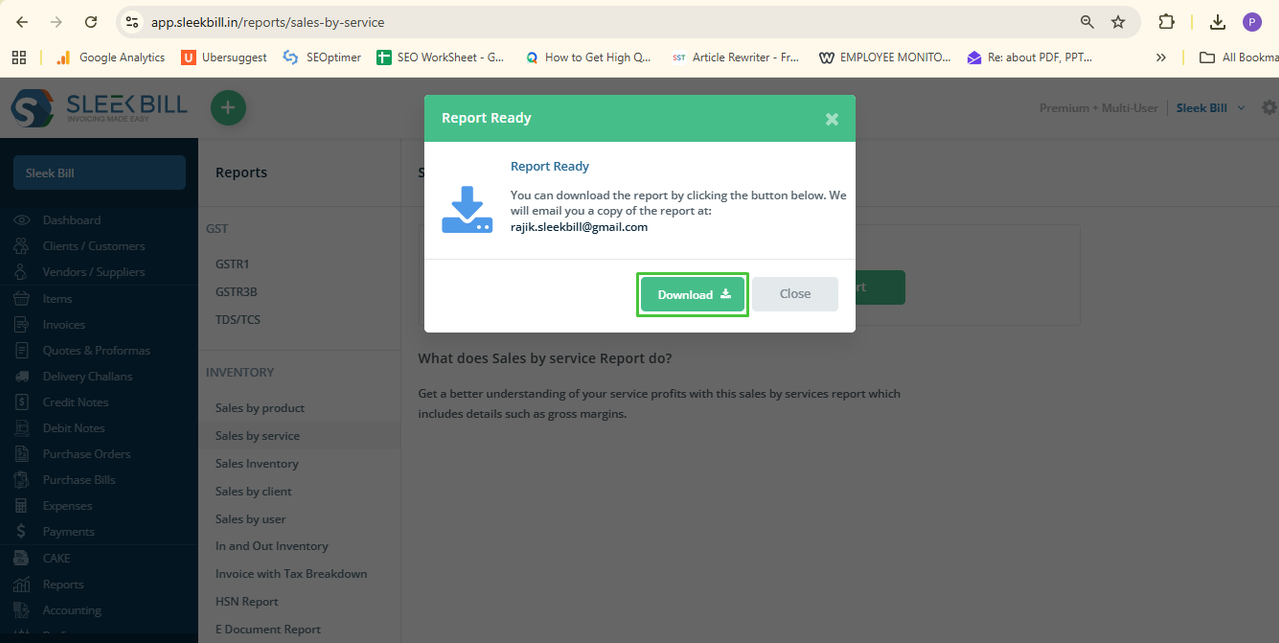
Step 7: Then click Download to save the report.
The
report typically includes:
- Company name
- GSTIN Number
- Date from Sales
- Service Name
- Purchase Rate
- Unit of Measurement
- Quantity
- Cost of Goods
- Qty Sold
- Amount
- Cost of Goods Sales
- Gross Margin
- Gross Margin(%)
- Description
- Type Tax exclusive/inclusive
- Stock Keeping Unit
This gives you a complete overview of how each service contributes to your business.
Conclusion
The
Sales by Service Report helps service-based businesses understand which
services perform best. With Sleek Bill, you can generate accurate service-wise
reports within seconds and make better business decisions.
Was this article helpful?