How to Show Terms and Conditions in Sleek Bill Credit Note?
Hello Sleek
Bill users, welcome to the Sleek Bill Knowledge Hub.
In this article, we will learn how to enable Terms and Conditions in a Credit Note using Sleek Bill.
Terms and
Conditions are an important part of business documents because they help
explain important instructions, refund policies, return conditions, payment
adjustments, and other business rules clearly. Adding terms to your Credit Note
makes the document more professional and helps avoid misunderstandings between
businesses and customers.
Preview without Term seting enable.
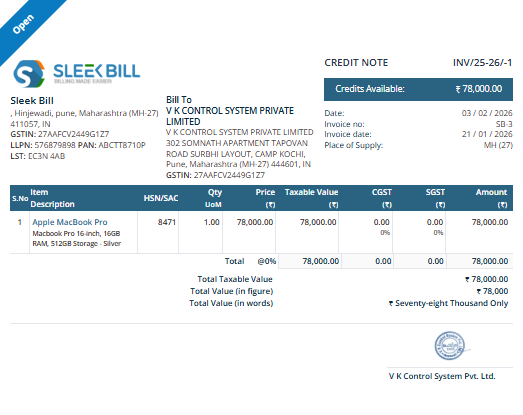
With Sleek
Bill, you can easily enable and display Terms and Conditions in your Credit
Notes in just a few simple steps.
Why Should You Use Terms and Conditions in
Credit Notes?
- Makes your Credit Notes look more professional.
- Clearly explains return or refund conditions.
- Helps avoid confusion between the customer and the business.
- Useful for accounting and official business records.
- Builds trust
and improves communication with customers.
How to Enable Terms and Conditions in Sleek Bill Credit Note
Step 1: Open
the Sleek Bill Website
Visit the
official website: Sleek Bill Official Website
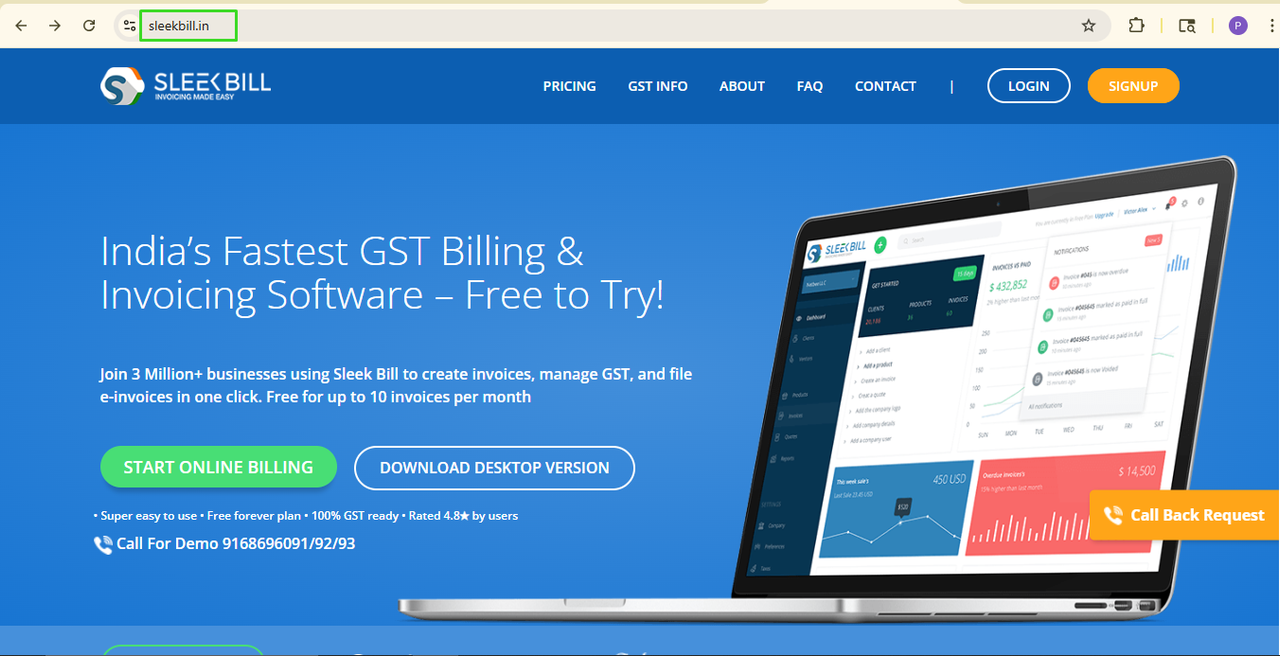
Step 2: Click on Login Button
Press on the
Login button, which is at the top left corner of the homepage.
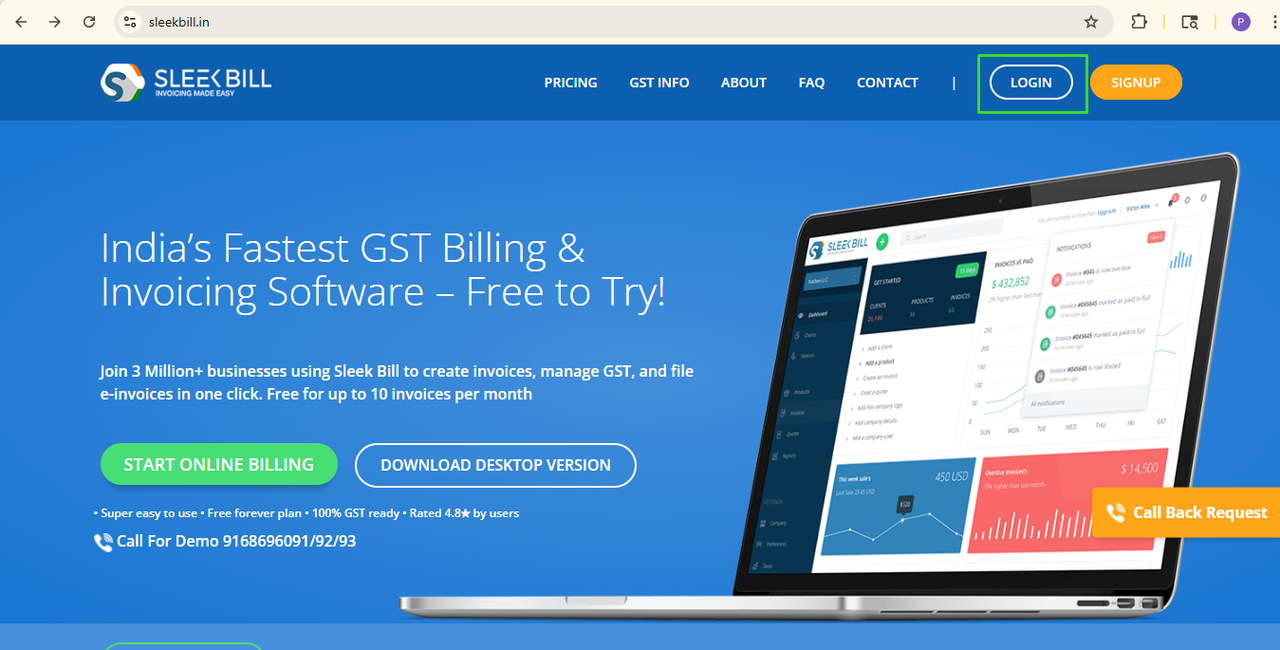
Step 3: Enter
Your Login Details
Now, enter your
login details in the fields provided and hit the Sign In button.
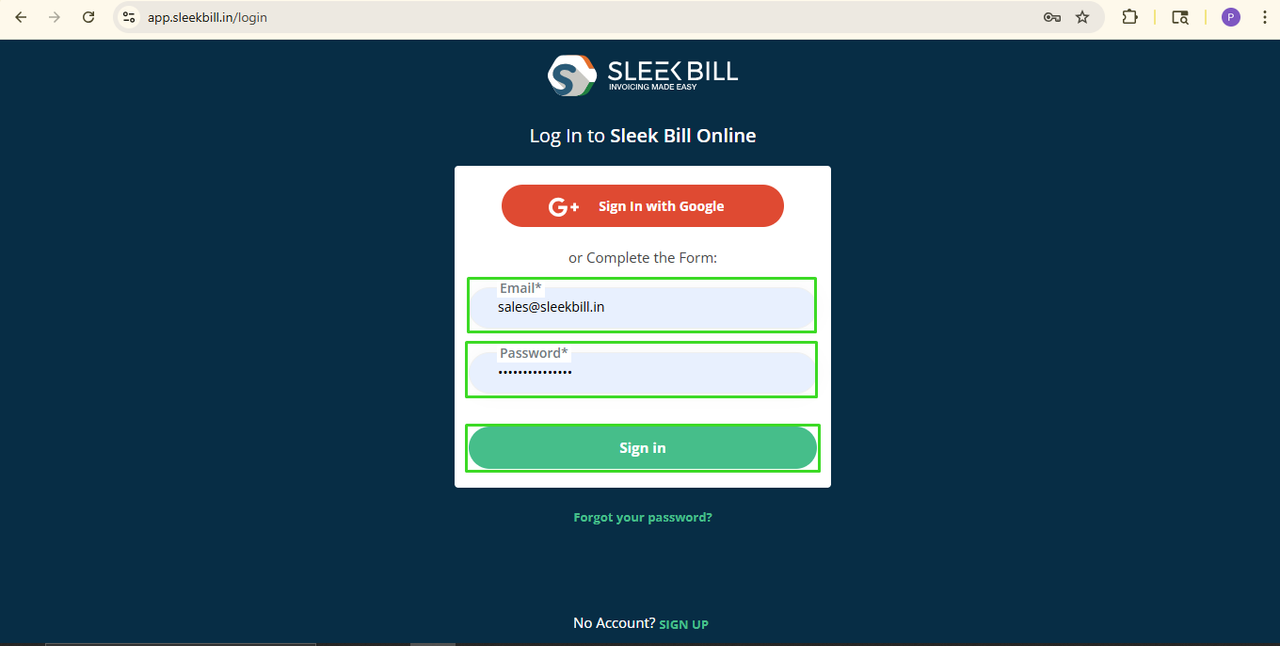
Step 4: Open
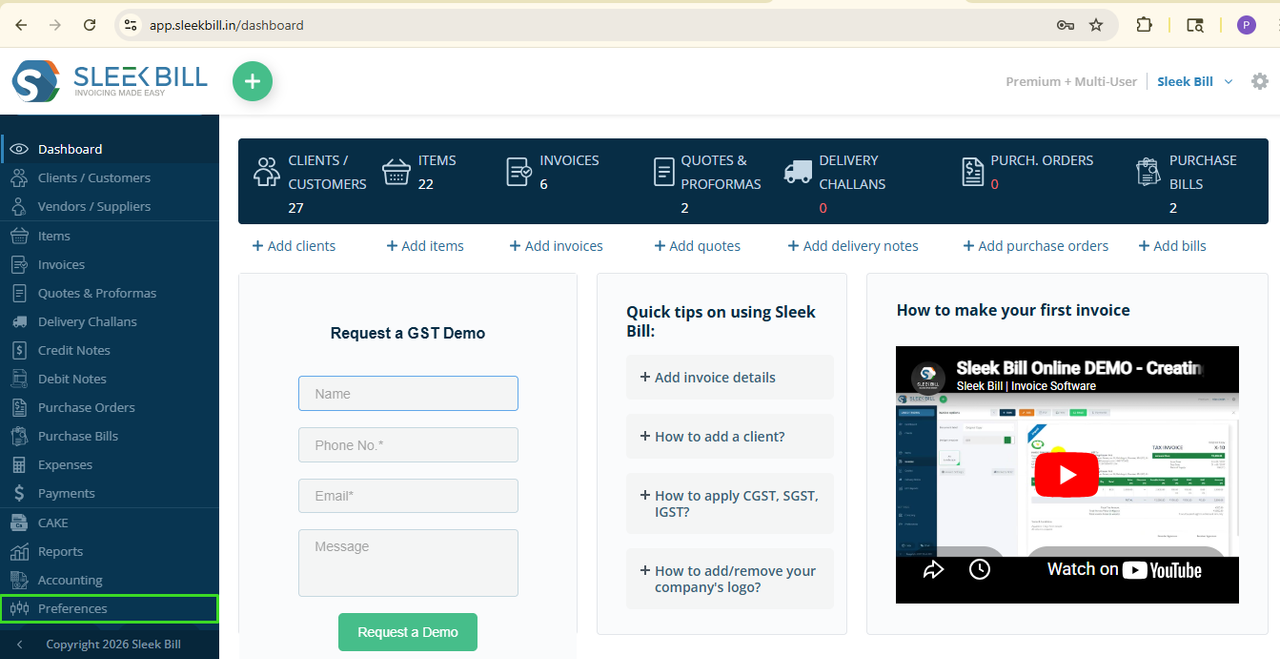
Preferences
Once logged in, you will be taken to the Sleek Bill dashboard.
And now scroll
down and click on the Preferences tab.
Step 5: Open
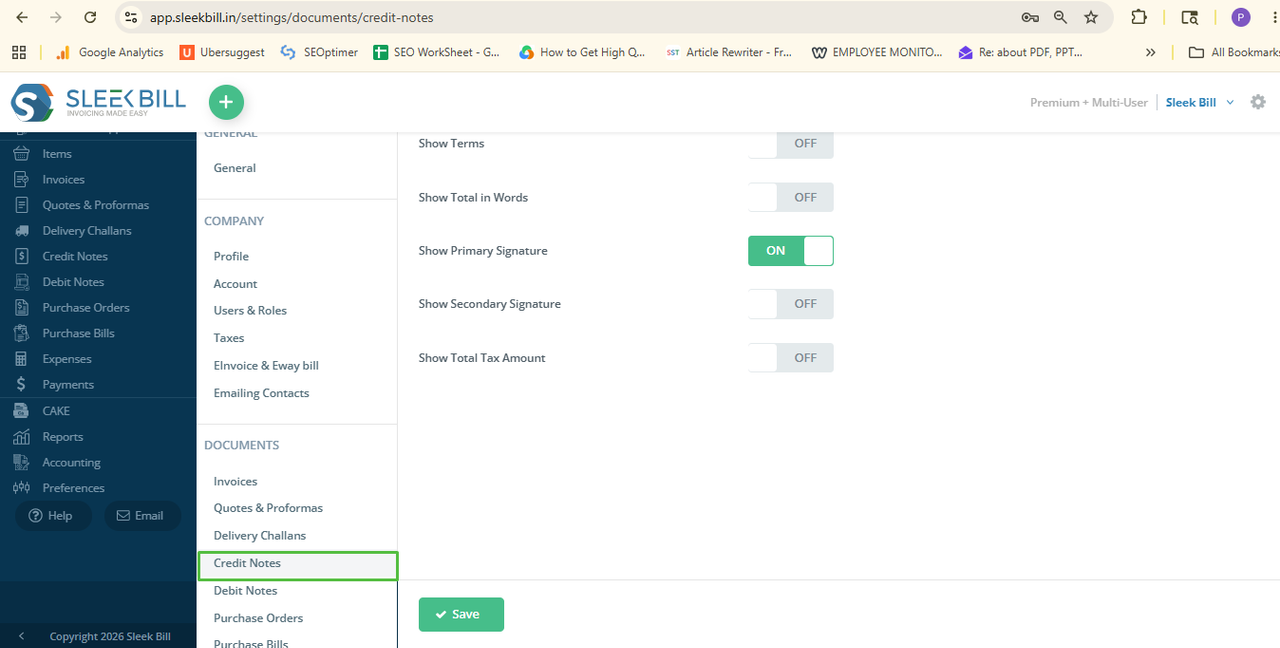
the Credit Note Settings
Select the
Credit Note tab from the settings section now.
Step 6: Enable
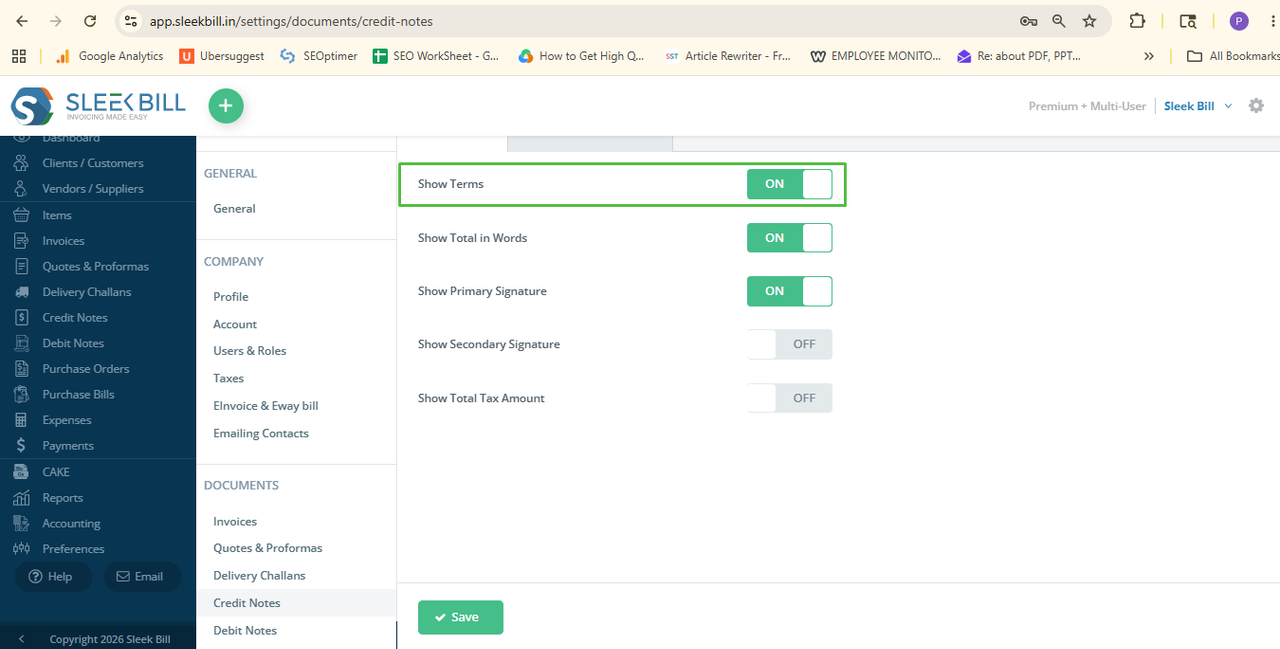
Terms and Conditions
Find this
option regarding Terms and Conditions and turn it ON.
Step 7: Save
the Settings
Click Save.
And that’s it!
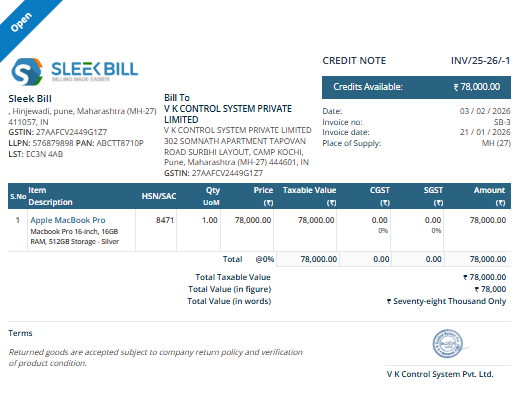
The next time you create a new Credit Note or edit an existing one, the Terms
and Conditions section will be visible on the document.
Conclusion:
Including Terms and Conditions on your Credit Notes is a small but effective way of making your documentation clearer and more professional.
Choose and set up the option under the Credit Note section in Sleek Bill, you will be able to
effectively generate credit notes which will be very professional and reassuring, and in addition, drive important business information to your customers.
Was this article helpful?