How to Show Terms and Conditions in Sleek Bill Debit Note?
Hello Sleek Bill users! Welcome back to the Sleek Bill Knowledge Hub.
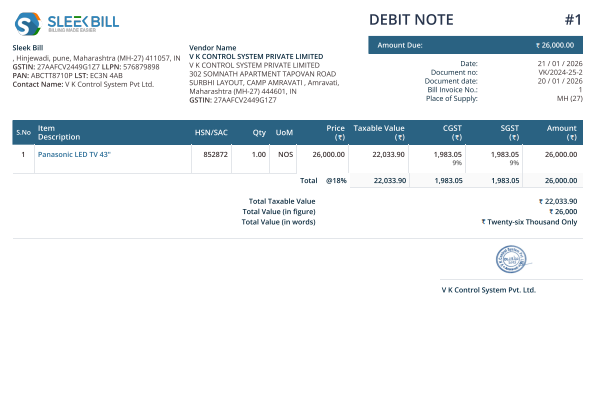
In this article, we will learn how to enable Terms and Conditions in a Debit Note using Sleek Bill.
Terms and
Conditions help businesses mention important information like payment rules,
product return policies, adjustment details, additional charges, and other
important instructions clearly inside the Debit Note. Adding these details
makes your document look more professional and helps avoid confusion with
customers.
The best part
is Sleek Bill lets you enable this feature in just a few simple steps.
Why Use Terms and Conditions in Debit Notes?
- Makes your Debit Notes look more professional.
- Helps explain payment adjustments clearly.
- Useful for mentioning additional charges or conditions.
- Improves communication with customers.
- Keeps
business records more organized.
How to Enable Terms and Conditions in Sleek Bill Debit Note?
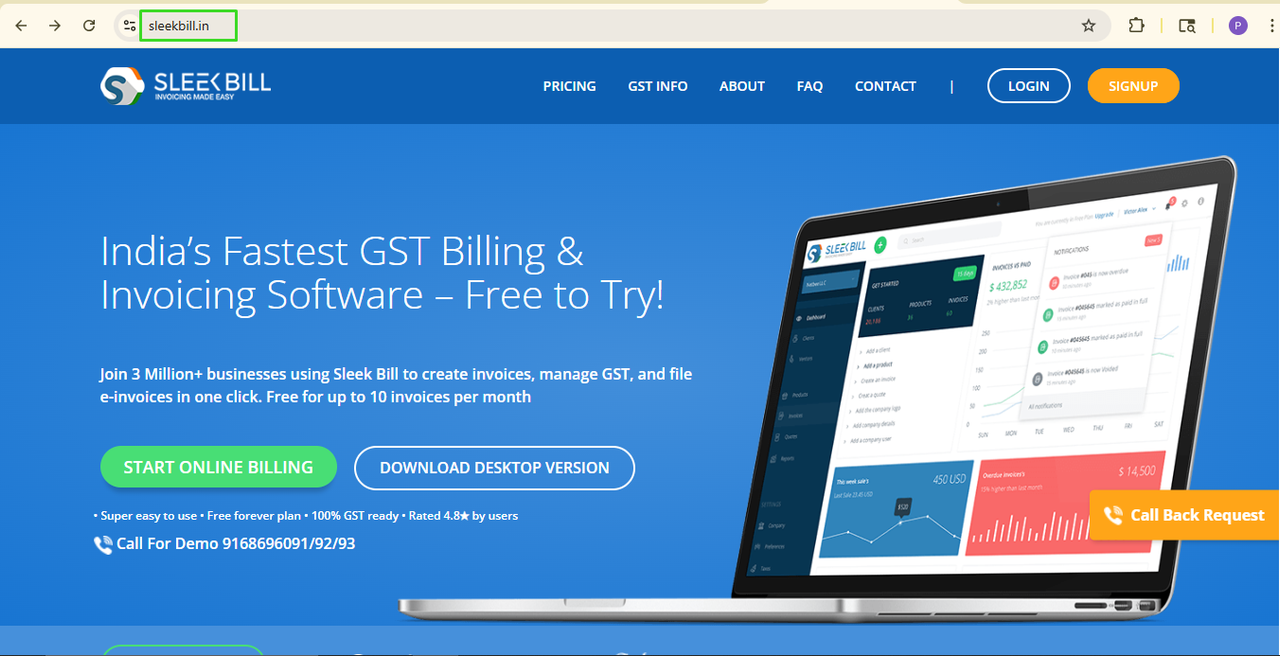
Step 1: Open the Sleek Bill Website
Visit the official website of Sleek Bill.
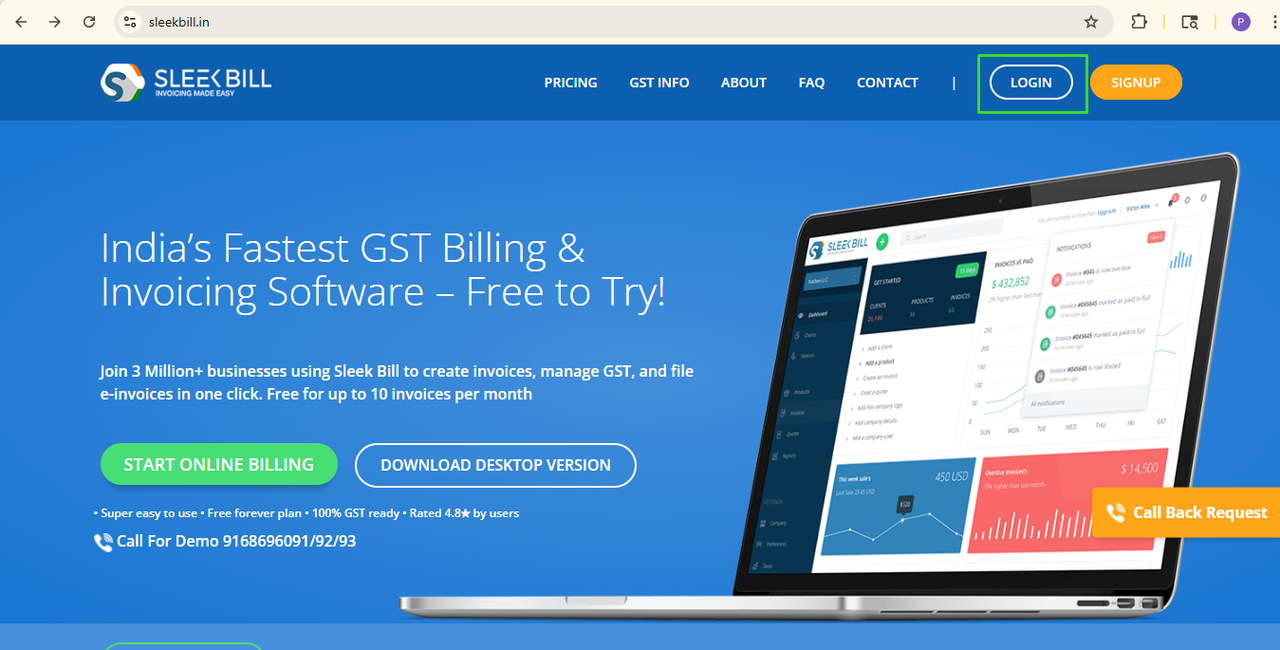
Step 2: Click on Login
Click the Login button available in the top section of the website.
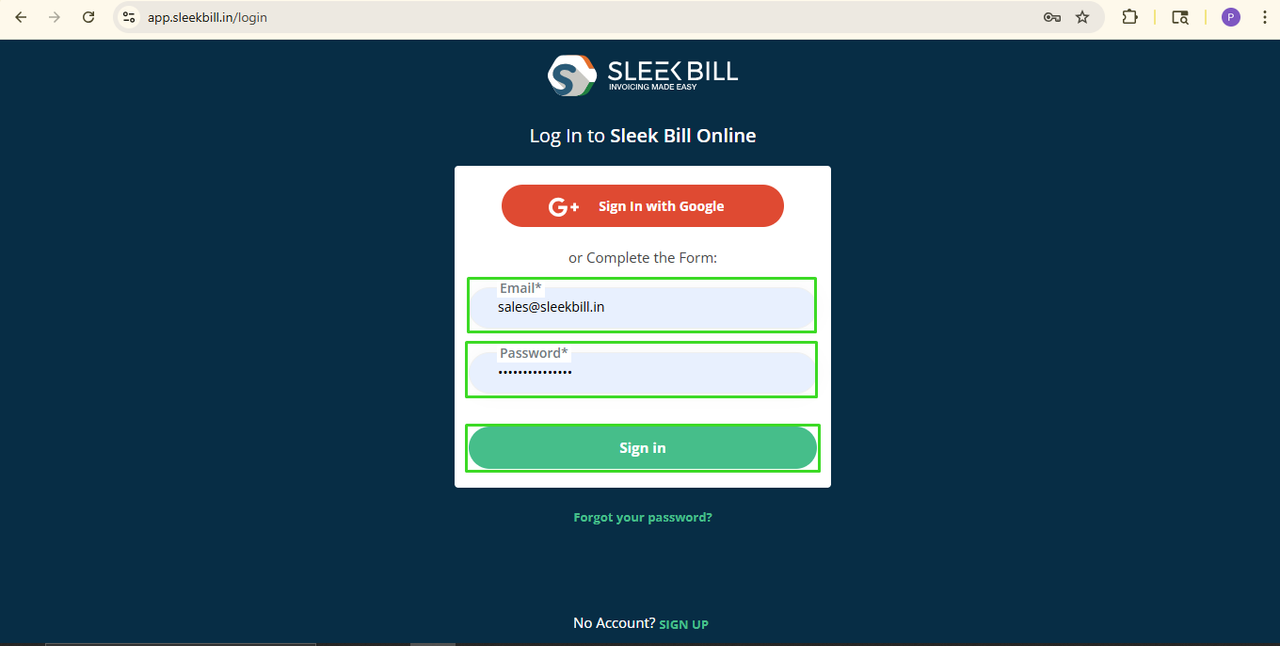
Step 3: Log in to Your Company Account
Enter your
login ID and password and click on the Sign In button.
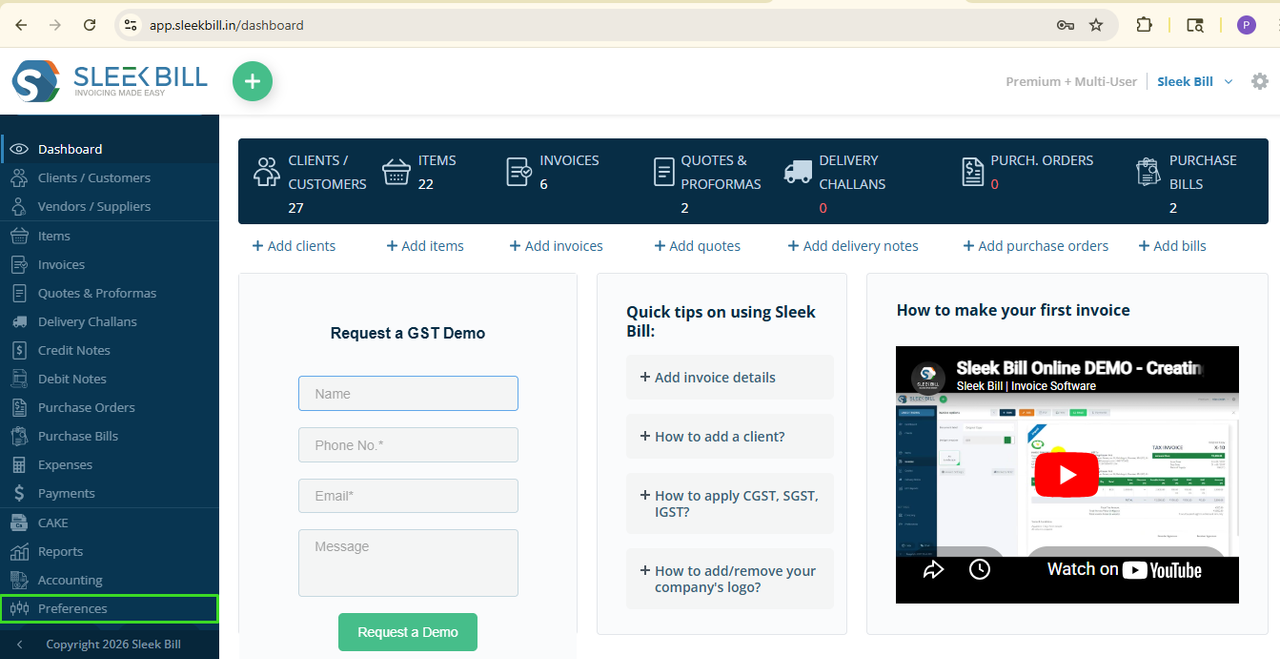
Step 4: Open Preferences
Now scroll down
and open the Preferences section.
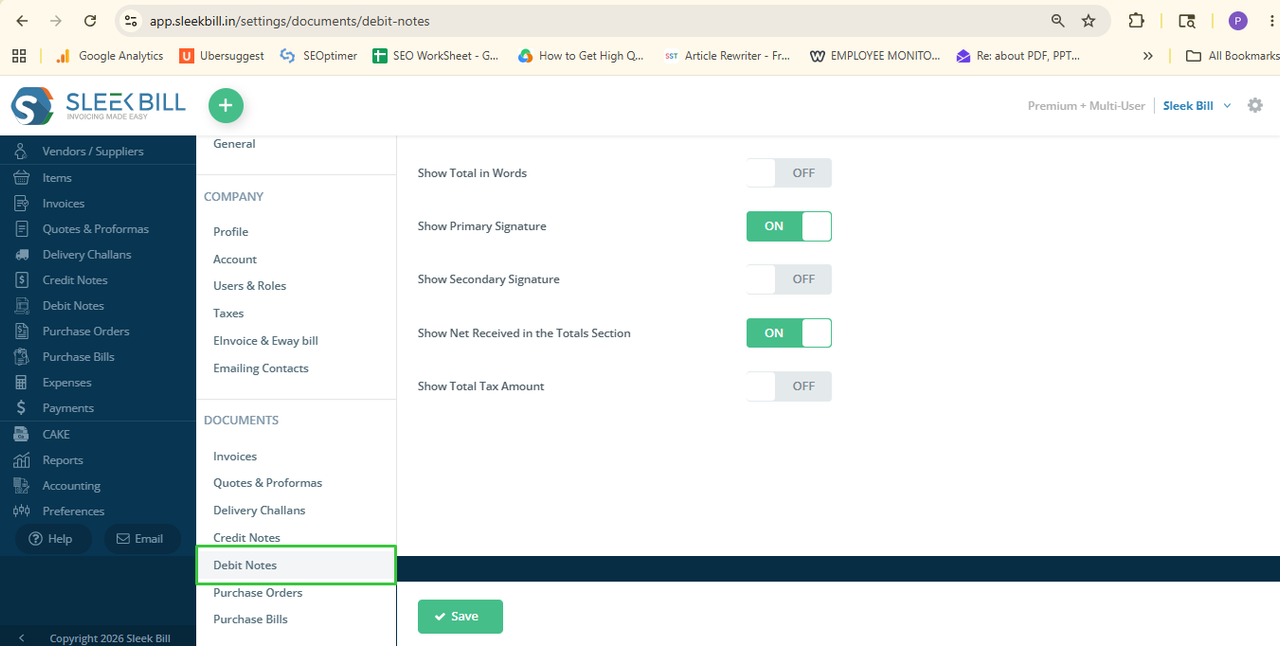
 Step 5: Open
Debit Note tab
Step 5: Open
Debit Note tabSelect the
Debit Note tab.
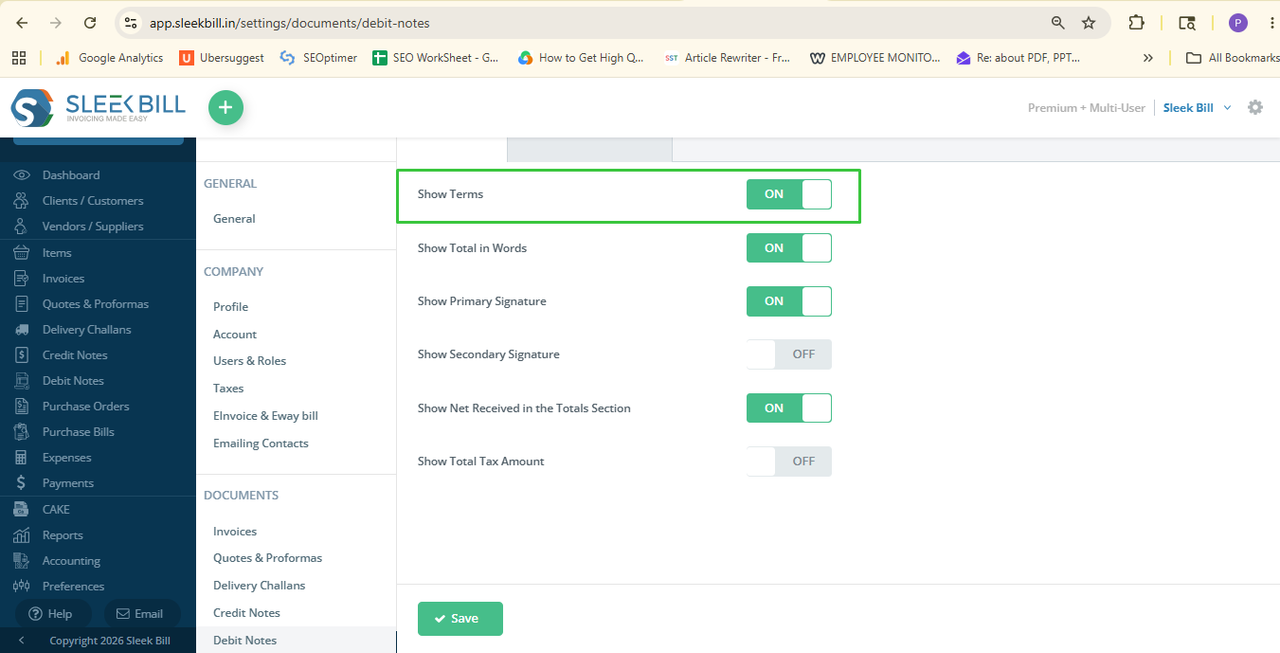
Step 6: Enable Terms and Conditions
Find the Show
Terms option and turn it ON.
 Step 7: Save Settings
Click on Save.
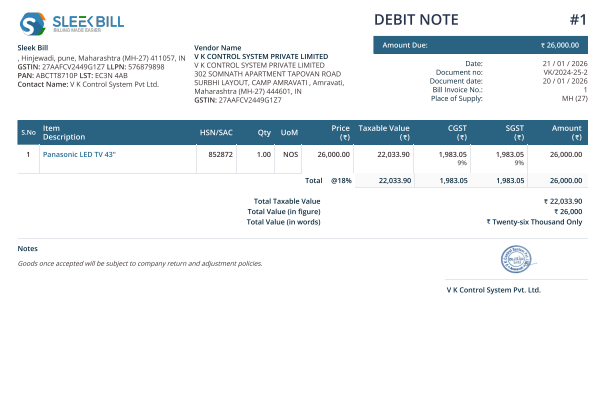
That’s it! From
now whenever you create a new Debit Note or edit an Debit Note, the Terms and
Conditions section will automatically appear on the document.
For the show term on the old debit note:
There is a small setting
while editing the old debit note
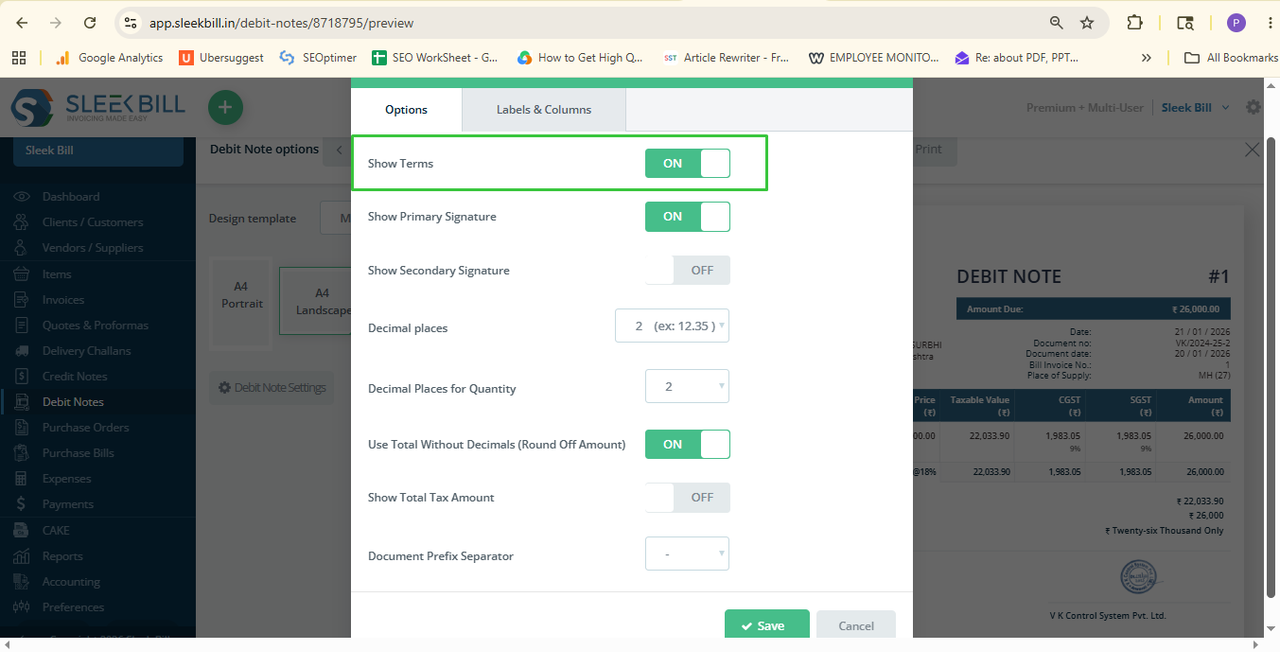
- Click on save
Conclusion:
Adding Terms and Conditions to your Debit Notes is a simple way to make your business documents clearer and more professional.
With Sleek
Bill, you can easily manage Debit Note settings and create professional
documents that include all important business information for your customers.
Was this article helpful?