How To Allow Primary User to Edit Current Quantity in Sleek Bill?
Hello Sleek
Bill users, welcome to the Sleek Bill Knowledge Hub! In this guide, we’ll understand
how to all primary user to edit current quantity in invoice. Managing invoices
becomes much easier when the primary user has full control over item
quantities. In Sleek Bill, this setting allows the main account holder to edit
product quantities while creating or updating invoices.
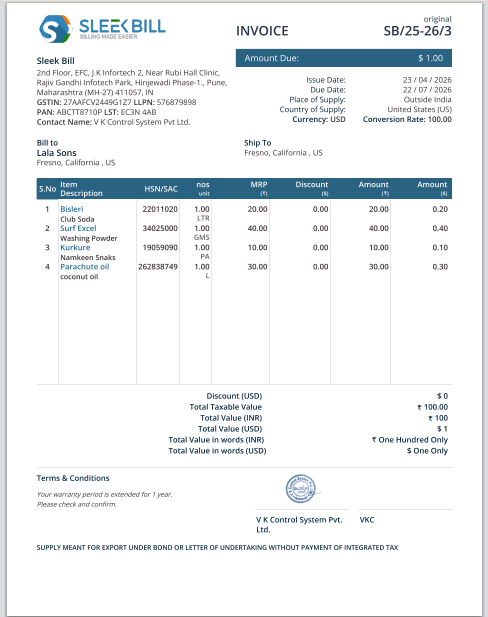
See this invoice we will going to edit quantity of last product
Why Is This Important?
Enabling this
option offers better control and flexibility in billing and invoicing. Here’s
why it matters:
- Accurate Invoicing: Update quantities instantly to avoid billing mistakes.
- Better Control: The primary user can make important changes whenever needed.
- Timesaving: No need to create a new invoice for small quantity corrections.
- Smooth Workflow: It Helps manage orders quickly and efficiently.
This feature is
especially useful for businesses that frequently update item quantities during
billing.
How to Enable
"Allow Primary User to Edit Current Quantity?"
Follow these
simple steps:
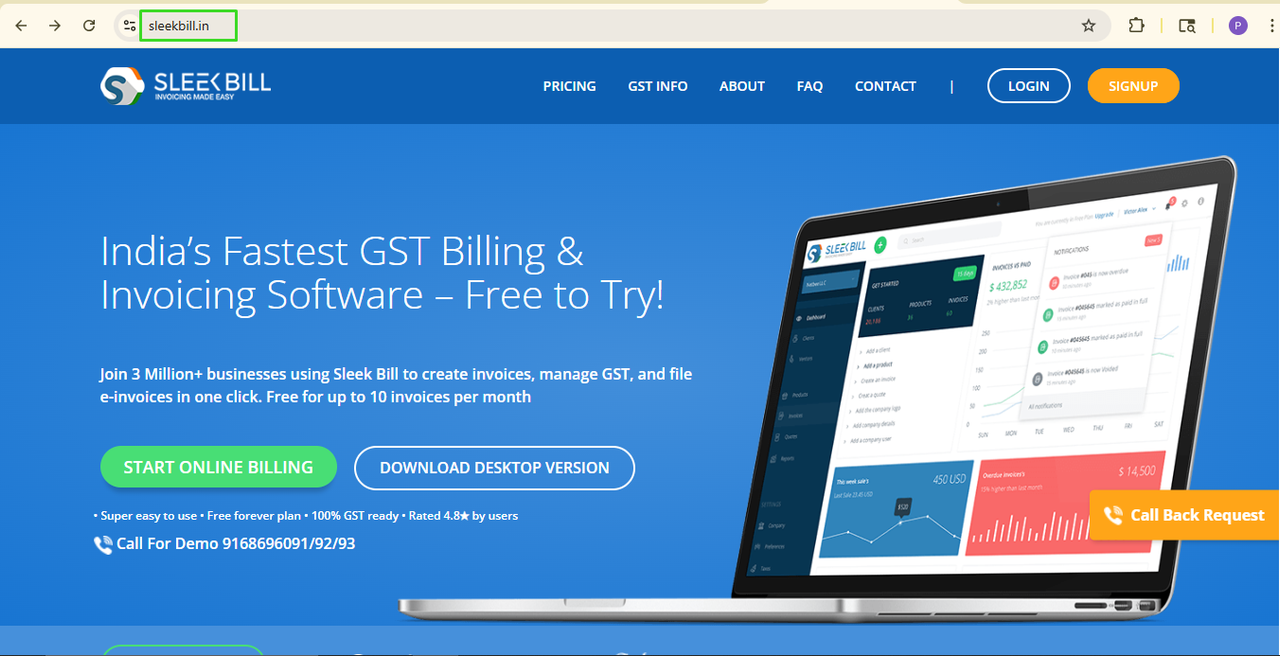
Step 1: First, open your browser and head over to www.sleekbill.in.
 Step 2: Once you're
there, click Login button.
Step 2: Once you're
there, click Login button.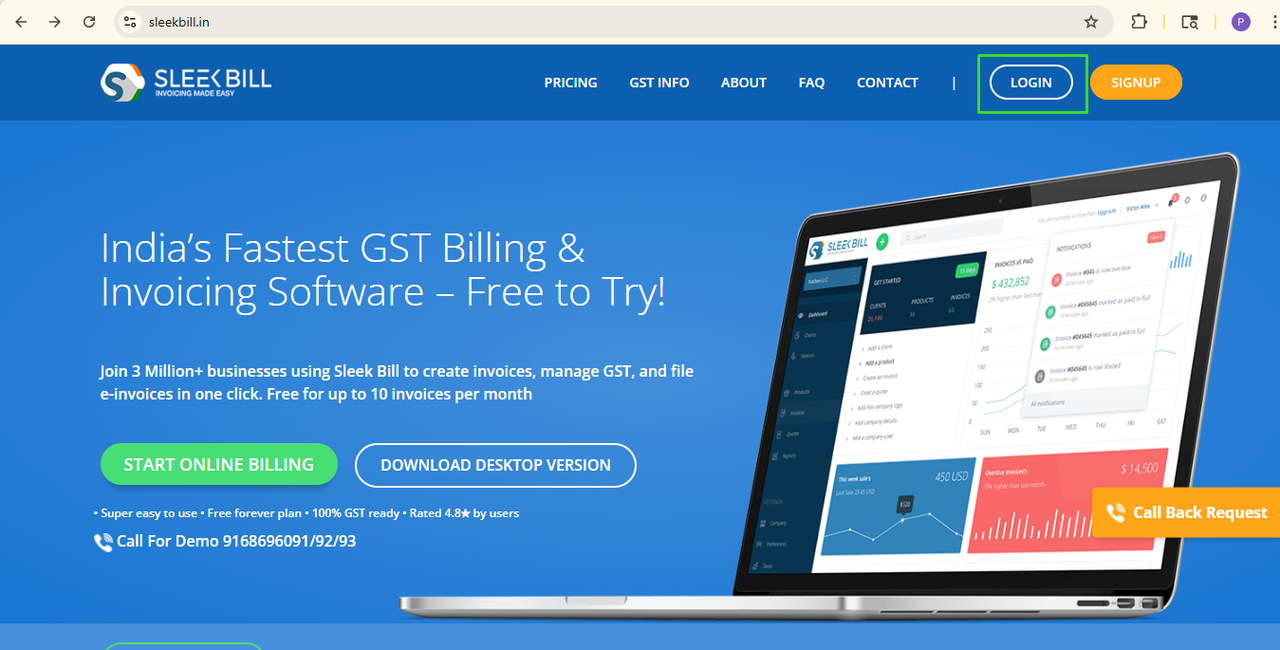 Step 3: Enter your
email and password and click on sign in button
Step 3: Enter your
email and password and click on sign in button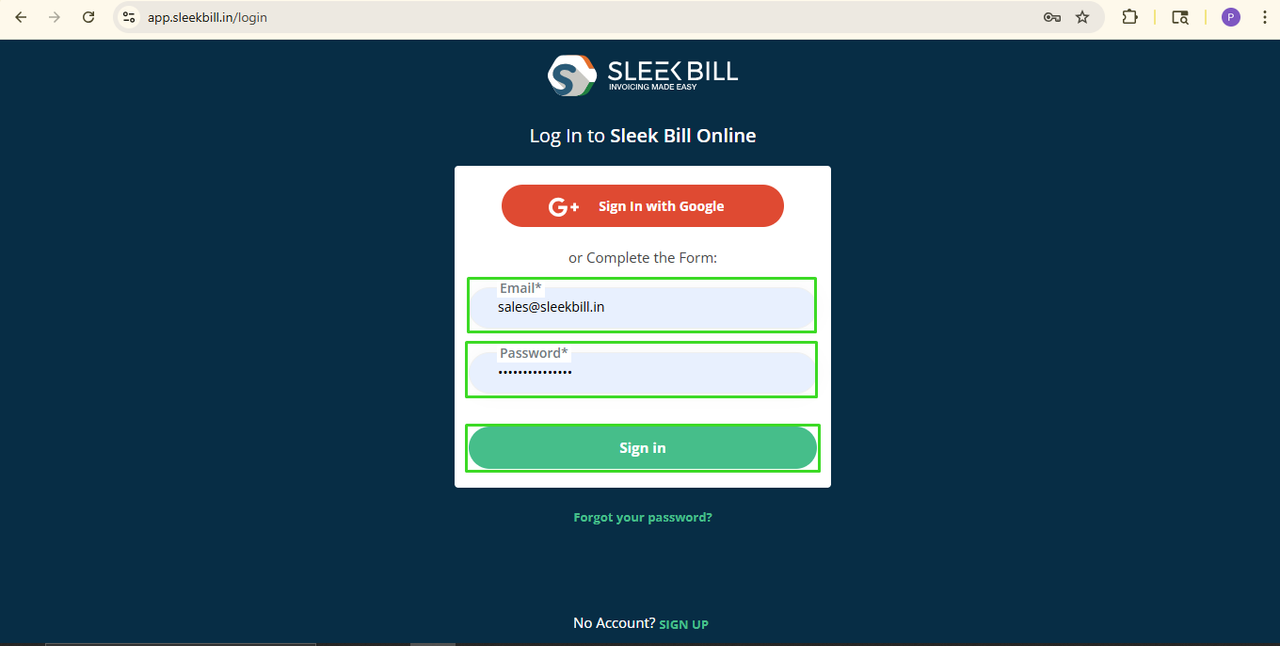 Step 4: After you log in, you'll
enter on your Dashboard just scroll down and click on Preferences tab.
Step 4: After you log in, you'll
enter on your Dashboard just scroll down and click on Preferences tab.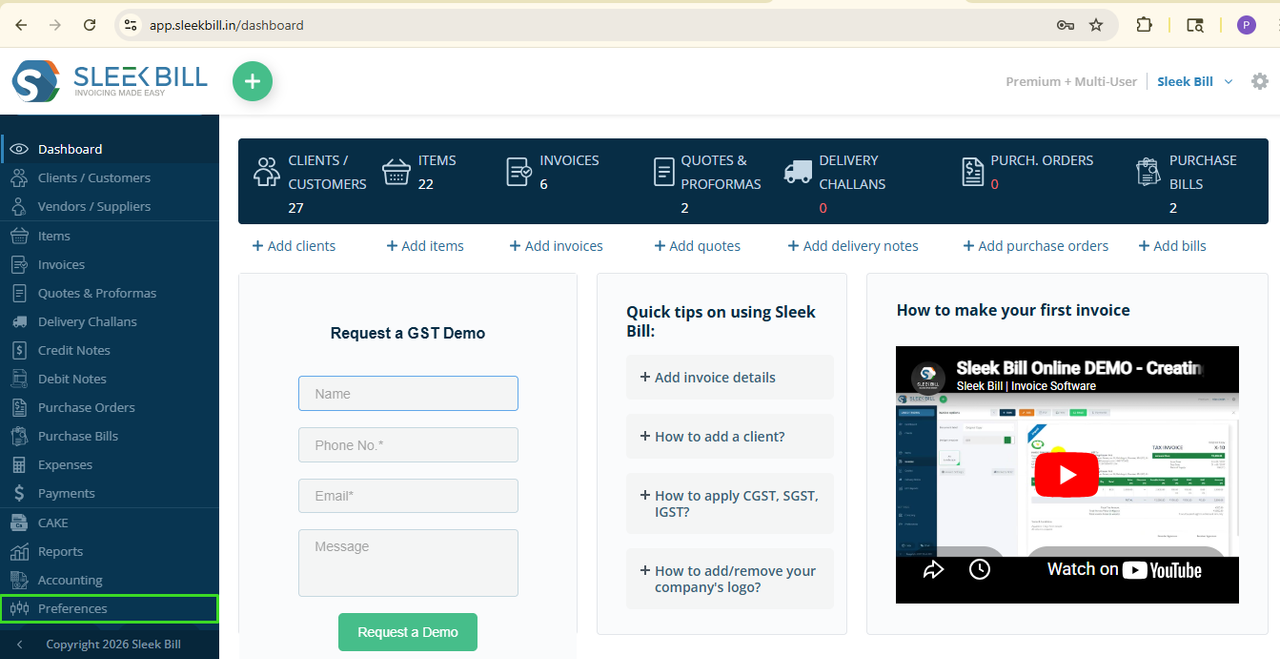
Inside
Preferences, General tab will open, search for the option called “Allow Primary
User to Edit Current Quantity” and switch it ON.
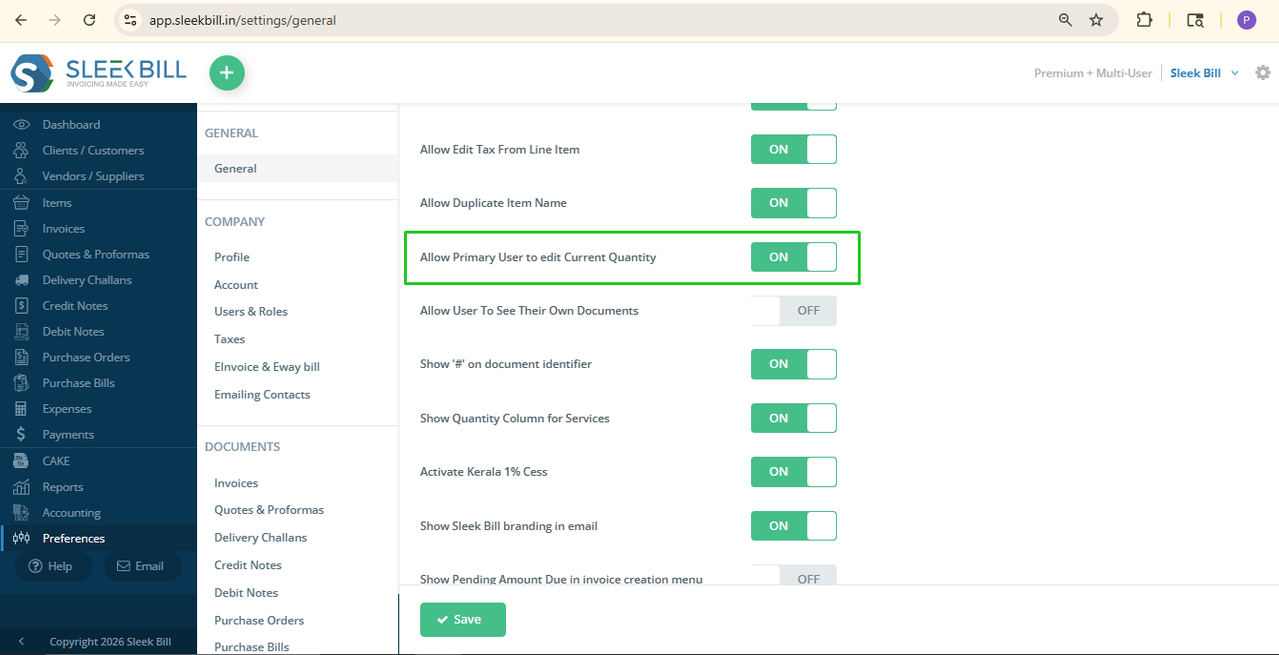
Step 6: Don’t forget to
click Save at the end.
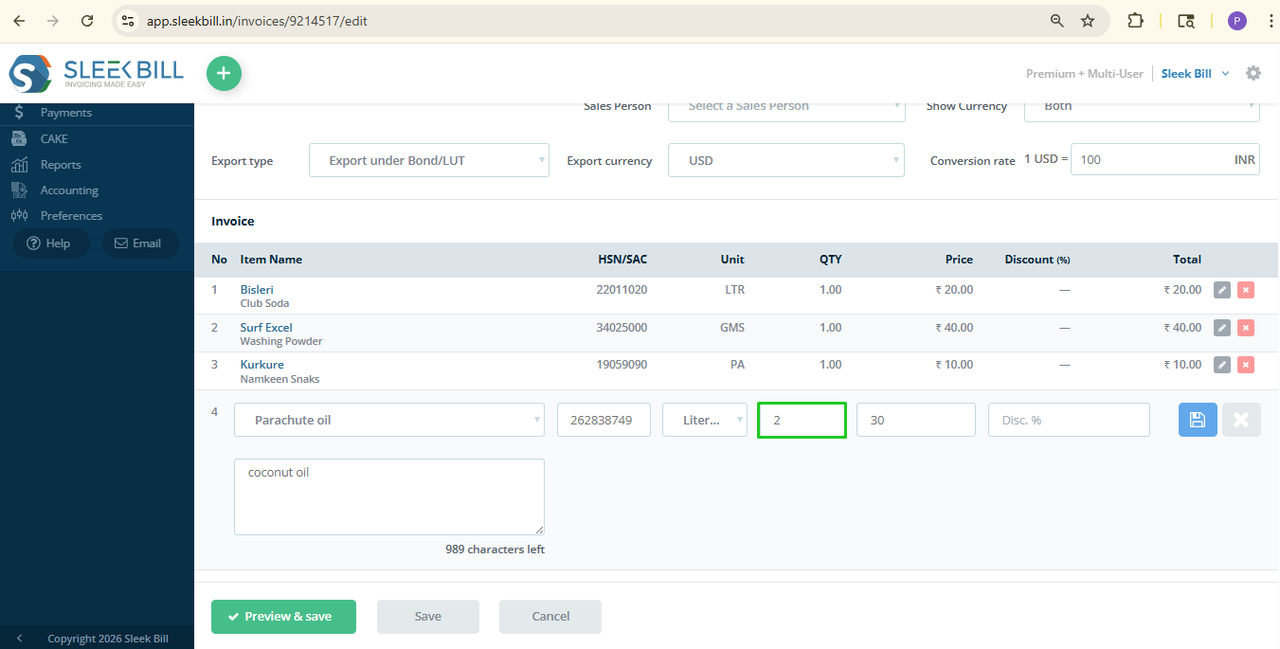 Now, the primary user can change item quantities while editing invoices. like shown in image. Easy as that.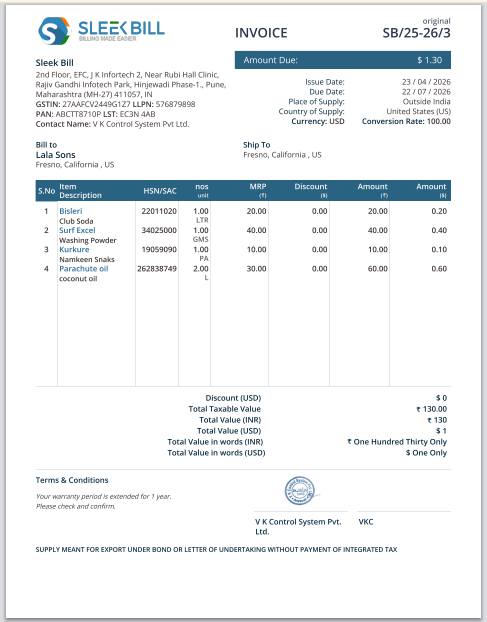
Conclusion
The "Allow
Primary User Edit Quantity" feature gives you better control over your
billing process. It helps avoid errors, saves time, and makes invoice
management much easier. With Sleek Bill, even small settings can make a
big difference in your daily business operations.
Was this article helpful?